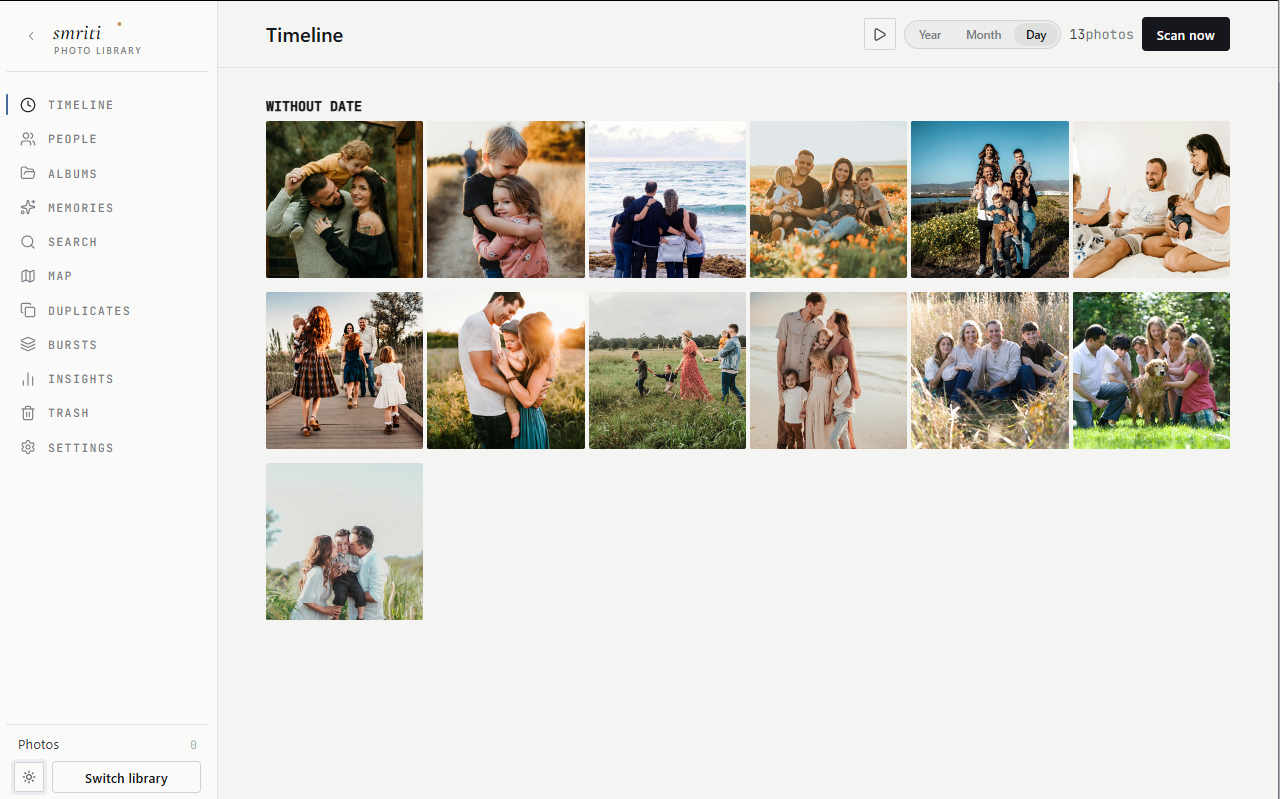
Bring 200,000 photos in.
Point Smriti at a folder or drive. It indexes in place — never copies, never moves your originals.
स्मृति· remembered
Smriti indexes any drive, recognises faces on-device, and surfaces memories — without leaving your machine. No account, no cloud, no server humming in a closet.
Featured on LINUX Unplugged #684
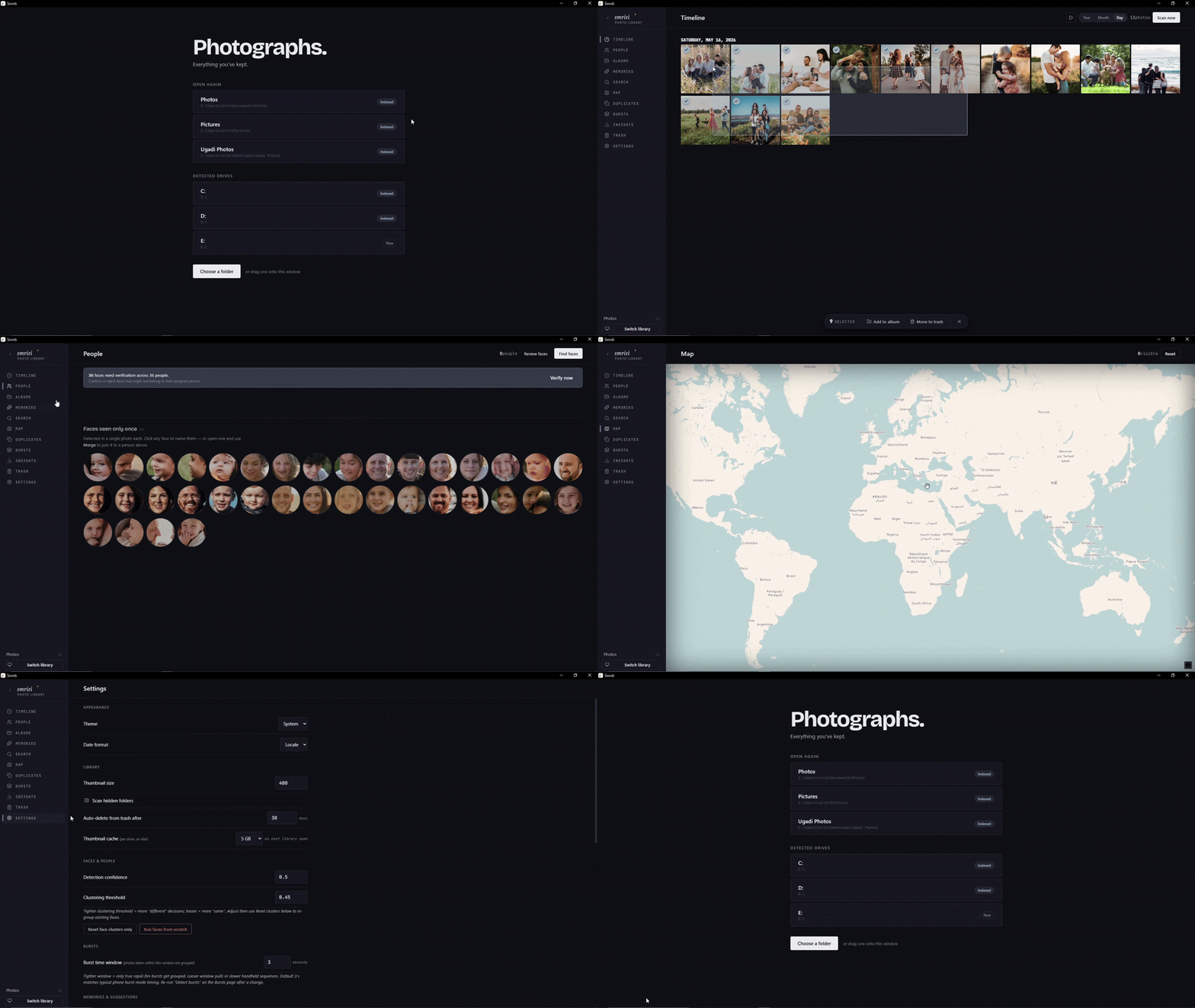
The cloud apps want a login, a sync daemon, a monthly fee, a server you maintain. They want your photos to be content they process — endlessly, in the background, on a machine that runs all year so you can check in twice.
Smriti is none of that. Open the app, browse, close it. Your library is finished work, not a stream that needs draining. When the app is closed, nothing runs. When the app is open, the photos are already where they were — on your drive, in their folders, exactly as you left them.
Tap the button. Six people. Thirty-six photos. The clustering below runs in your browser — the real app does the same on your machine, with InsightFace ONNX models, no cloud round-trips.
All offline. No upload, no embedding service, no API key.
Point Smriti at a folder or drive. It indexes in place — never copies, never moves your originals.
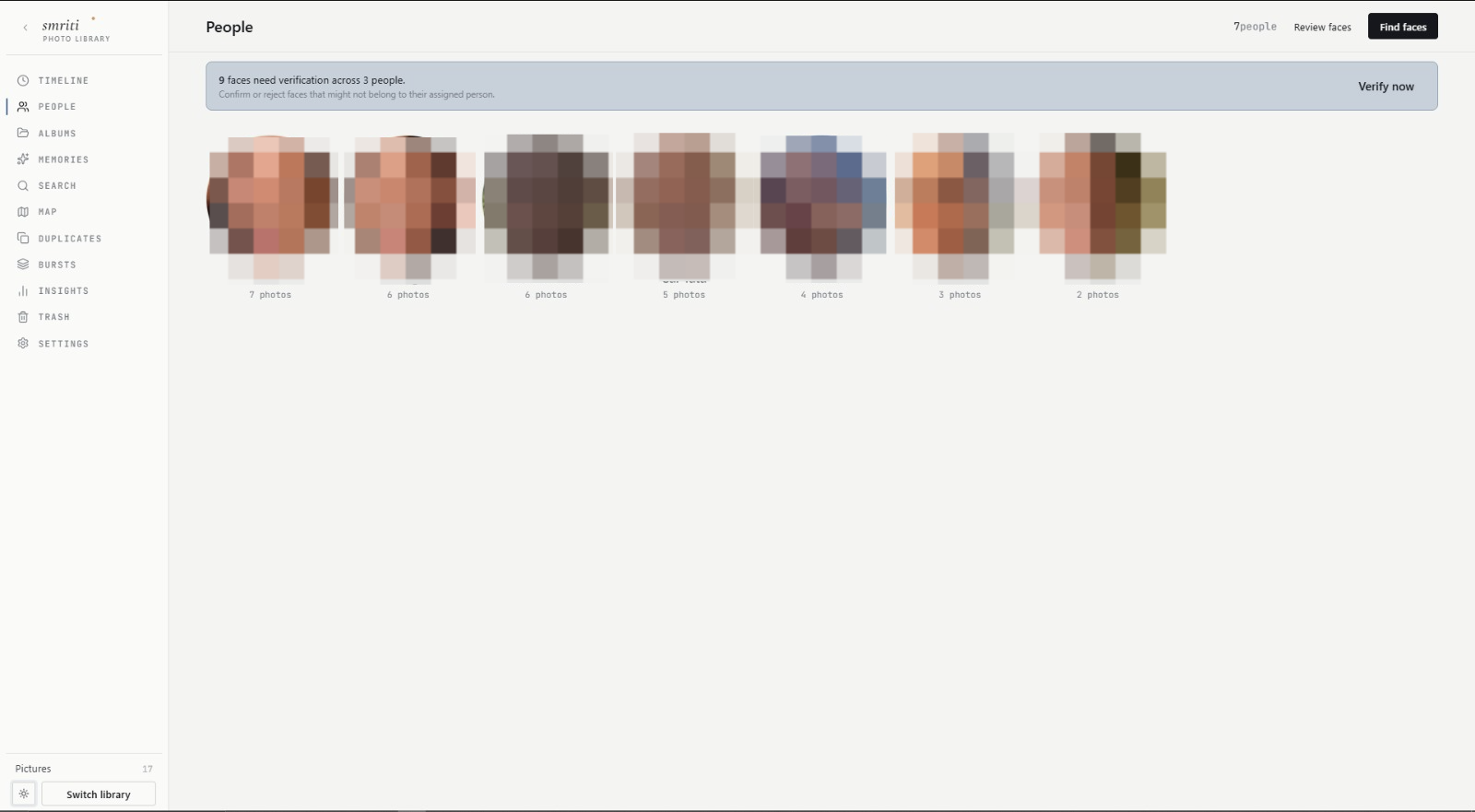
On-device face recognition groups every photo of that person across your whole library. No cloud round-trip, no upload — clustering and review both stay on your machine.
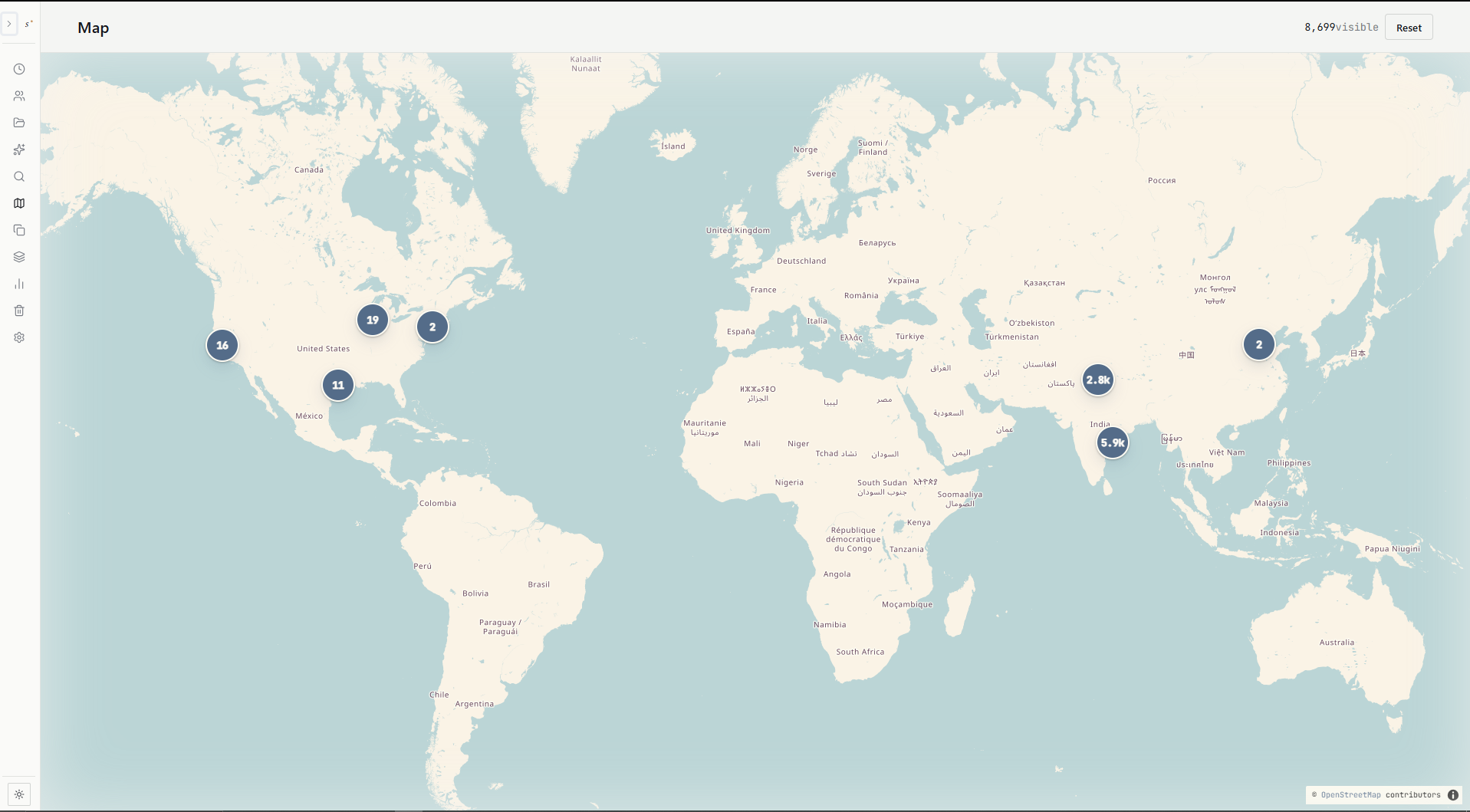
Every geotagged photo plotted. Click a cluster to drill into the place. Tile cache lives on your drive.
Unified search across people, albums, places, and dates. Three filters, one result. Milliseconds on 250K libraries.
"This day, N years ago" surfaces when you open the app. Never a notification. Never a curated highlight reel.
Duplicates, bursts, near-duplicates surfaced in one place. One-click cleanup. Trash, not delete — restore if you change your mind.
Type what you remember — beach, group photo, old car. If the optional visual-search model is installed, Smriti turns your words into a local vector query, then feeds matching photo candidates through the same filters as dates, places and people. The demo is synthetic; the constraint — pixels, not filenames — is real.
Meaning, not magic. Hover a photo to see why it matched. Strong matches sit closer to the top.
The assistant isn’t a chat window glued to a photo app. It calls Smriti’s own tools — resolve people, resolve places, resolve dates, search photos, prepare an album preview — then waits. It can search and draft albums; it does not rename, move, trash or delete your originals.
You stay in charge. Assistant is opt-in, provider-backed, scoped to the open library, and album creation needs approval.
Smriti's album-suggestion engine clusters runs of photos taken away from your home city. The real app does this on indexing; below, it does it when you click. The data is synthetic, the algorithm is honest.
Found locally. No upload, no geocoding API, no “trip suggestions powered by…”
| Cloud (Google · iCloud) | Self-hosted (Immich · PhotoPrism) | Smriti | |
|---|---|---|---|
| Photos live | On their servers | On your server | On the drive they came from |
| Original quality preserved | Compressed by default (Google's "Storage saver" caps at 16 MP) | Preserved | Preserved — files never opened for write |
| Account required | Yes | Yes (you set one up) | None |
| Server to maintain | Theirs (you pay rent) | Yours, 24 / 7 | None — it's an app |
| Metadata (faces, tags, albums) | In their database | In your server's database | On the drive with the photos |
| Survives provider going away | No | Only if your server keeps running | Yes — it's files |
| Yearly attention you owe it | Renew subscription | Updates · certs · backups | None |
| Cost over five years | $250 – $750 | NAS + power + your time | $0 |
| Works on a plane | Limited | Limited (no VPN) | Everything |
| Memory footprint when closed | n/a | ~1 – 4 GB resident | Zero |
Comparison reflects each project's default setup as of 2026. Smriti's row makes no claims it can't keep. If you are weighing a server against a desktop library, here is the longer version of that decision.
Left: your original. Right: what Google Photos' "Storage saver" is documented to do: compress to save space, and resize only when a photo is larger than 16 MP. Smriti never re-encodes anything.

Google Takeout hands you a pile of ZIPs and sidecar files. Hand the whole pile to Smriti. It reconnects dates and places, restores favourites and real albums, collapses export duplicates, and keeps the originals on your drive.
Select every part together. Leave them zipped.
Interrupted? Run it again. Smriti resumes safely.
Smriti writes a database at
<drive>/.photovault/
— on the same drive as the photos. Unplug it. Plug
it elsewhere. Faces, tags, albums, the whole library
travels with it. Try it below.
No library connected
No library connected
Three of them you can turn off. Nothing else leaves your machine — ever. No telemetry, no analytics, no "anonymous usage statistics".
When you open the Map view. Tiles are cached on your drive after first load; subsequent panning is served from cache.
tile.openstreetmap.org
ONNX models for face recognition + GeoNames database for offline reverse-geocoding. You're prompted on first run; declining is fine, core app still works.
github.com/ChivukulaVirinchi/photovault/releases
If you opt in, Smriti checks for new releases once every 24 hours. Off by default. No photo data, no telemetry, just a single HEAD-style request.
api.github.com/repos/.../releases/latest
If you accept an update, Smriti fetches the matching installer for your platform and verifies its SHA-256 against the signed checksum. No metadata about your install or library is sent.
github.com/.../releases/download/...
Face recognition is the one slow step. On CPU, a 90,000-photo library takes ~3 hours. If you want to skip the wait, Smriti can borrow a free Kaggle or Colab GPU for the one-time pass — and finish in minutes.
It sends only 112×112 aligned face crops. Never originals, never metadata, never filenames. When the pass is done, you disconnect. Forever, not "until the next sync."
Apache-2.0 licensed. Source on GitHub. The asset pack adds face recognition and offline place names — optional, prompted on first run, declinable.
For Windows 10 and 11. Smriti is not code-signed yet: if SmartScreen appears, choose More info → Run anyway, then approve Install anyway.
Download installer →For Apple Silicon Macs. Smriti is not notarized yet; after the first blocked launch, choose Open Anyway in Privacy & Security.
Download installer →Debian, Ubuntu, Fedora — plus a portable AppImage for other distros.
Download installer →Apache-2.0 · Free forever · No sign-up · No telemetry